
Home Security Systems in 2026: What to Know Before You Buy
Home security has changed dramatically. Professional monitoring, DIY sensors, smart home integration, and video surveillance all compete for your attention and your budget. Here is what matters when choosing a system.

The Home Security Market in 2026
Ten years ago, buying a security system meant sitting through a sales pitch on your couch, signing a three-year contract, and letting a stranger drill into your doorframes on a Tuesday afternoon. Now you can order a starter kit at midnight, install it yourself on Saturday morning, and cancel the monitoring plan a month later if it isn't working out.
That's a real shift, and mostly a good one for the rest of us. Competition has pushed monitoring prices down, made the equipment less flimsy, and forced companies to actually care about their apps (imagine that). It's also made the shopping part genuinely harder. The differences between providers rarely show up on a spec sheet, and the questions that matter most aren't the ones the pricing page wants you to ask.
Here's what actually matters when you're picking a system in 2026: how the monitoring works, whether the equipment holds up, what the contract really says, how well it plays with the rest of your smart home, and what the whole thing costs a year in.
How Professional Monitoring Works
Every monitored system has one thing at its center: a room somewhere with people in headsets watching alerts come in, 24 hours a day. When one of your sensors trips, the monitoring center calls you. If they can't get you on the phone, or if you tell them yes, someone is in the house, they dispatch police, fire, or paramedics on your behalf.
Not every monitoring center is created equal. The stuff that actually matters:
- How fast an alert turns into a phone call
- How many monitoring centers the company runs (one goes down, another picks up)
- Whether they own the centers or contract them out
- UL Listing and Five Diamond certification, the industry's baseline seals for "these people know what they're doing"
Some providers run their own centers. Some outsource entirely. A few do both. Owning the center usually means better accountability if something goes wrong, but a well-run third-party center can be just as good. Ask which one your provider uses. If they can't answer clearly, that tells you something.
Professional Installation vs. DIY
This is one of the first choices you'll make, and it shapes almost everything else. Both roads have real trade-offs.
Professional Installation
A pro shows up, walks your house, puts sensors where they belong, runs wiring if the setup calls for it, and hands you a working system. You don't stand in the hallway holding a motion detector wondering how high to mount it. For bigger houses or unusual layouts, that peace of mind is worth something. A good installer knows the spots you'd miss.
It's not free. Installation usually runs $100 to $400 depending on the system, and some companies "include" it inside your monthly rate (which is how you know it isn't actually free).
DIY Installation
Modern DIY kits are a different animal than they were five years ago. Adhesive mounts, wireless sensors, an app that basically holds your hand through every step. If your house is a fairly standard layout, two or three hours on a Saturday and you're done.
Where DIY struggles: the pro installer knows things you don't. Which windows a burglar actually tries. Where to aim a motion detector so your cat doesn't set it off at 4am. What to do about that weird back door that opens onto the deck. If your house has quirks, doing it yourself can leave holes you don't realize are there.
Equipment: What Sensors You Actually Need
Security companies will happily sell you a sensor for every window, every drawer, and probably the mailbox. Before you say yes to any of it, know what each piece is actually doing.
Door and Window Sensors
These are the bones of the system, and here's a thing I keep coming back to. FBI data shows 34 percent of burglaries come through the front door. Not a window, not a side entrance. The front door. First-floor windows account for 23 percent, back doors another 22 percent. A third of break-ins are non-forced entry, meaning the door was unlocked. That changes how you think about sensor placement. Every exterior door gets one, no exceptions. Ground-floor windows that face a yard, an alley, or anywhere someone could reasonably stand? Yes. Second-floor windows? Skip them, unless there's a deck, a low roof, or a big tree that gives someone a ladder.
Motion Detectors
A motion detector covers a whole room or hallway. Anyone moving through the house has to cross one. Hallways connecting the front door to the bedrooms are the sweet spot. Just don't put one where the dog sleeps or you'll spend the first month disabling false alarms at 2am. Pet-immune settings help, but they aren't magic.
Cameras
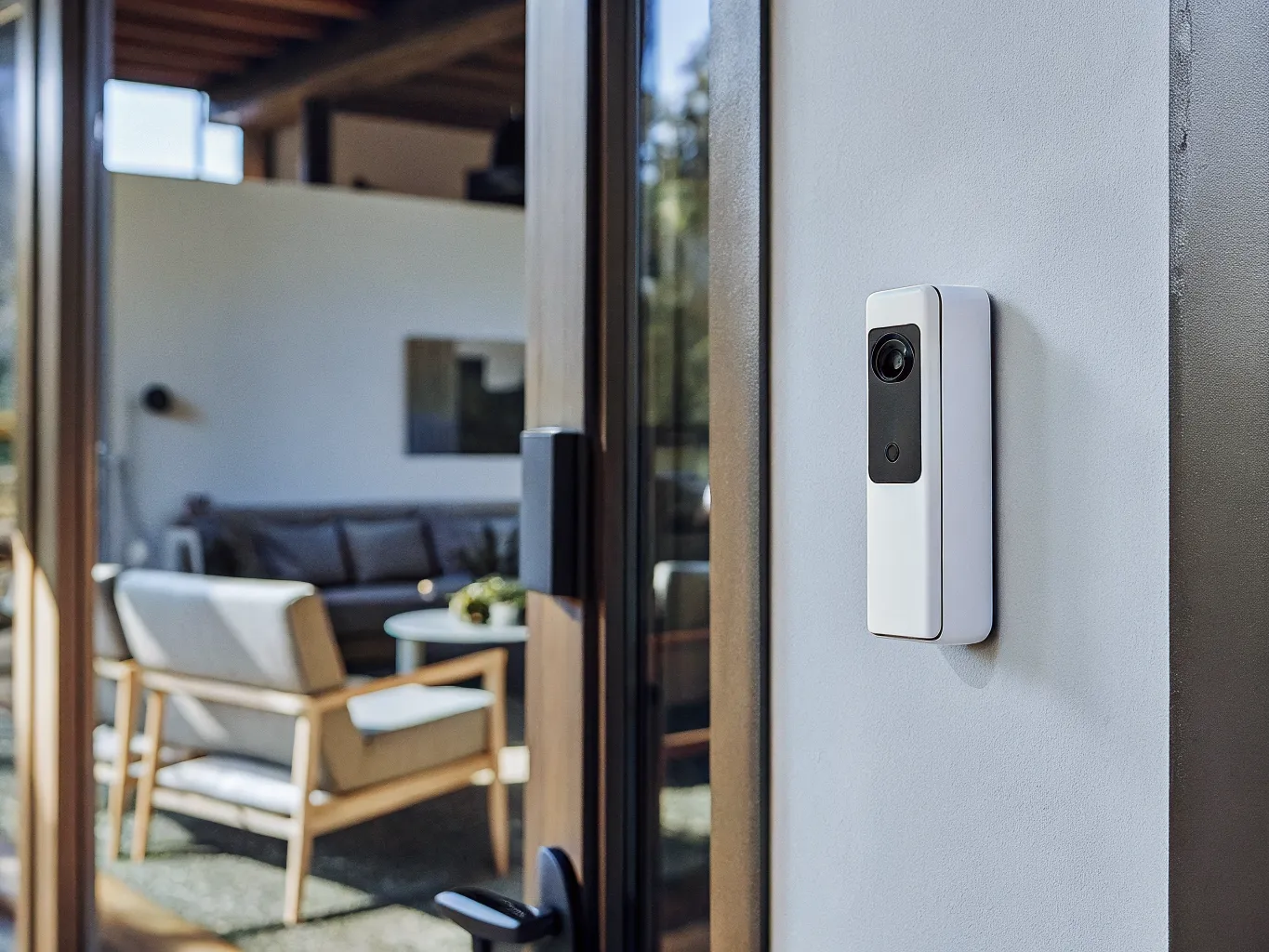
Video is basically standard now. Indoor cameras confirm what your sensors are already telling you. Outdoor cameras give you a face if something happens and a small deterrent even when nothing does. Video doorbells earned their spot at the top of every lineup because they cover the door where most packages arrive and most weird stuff shows up.
Almost every camera you buy will nudge you toward a cloud storage subscription. Read the fine print. How many days of footage they keep and what "unlimited" actually means matters more than the shiny features.
Environmental Sensors
Smoke detectors, CO detectors, water leak sensors, temperature sensors. All boring until the moment one of them saves you $20,000. If your monitoring center can dispatch the fire department while you're at work, or ping you the second a pipe bursts under the sink, the value of that monthly fee just changed.
Contracts and Pricing: Where to Pay Attention
Home security contracts used to be one of the most-complained-about things in the industry. Three-year commitments, fine-print termination fees, prices that quietly climbed every year. A lot of that has gotten better. Some of it hasn't.
Before you sign anything, read these lines yourself:
- How long is the contract, and does it auto-renew if you do nothing?
- What's the early termination fee, and does it drop over time?
- Can they raise your rate mid-contract?
- Do you own the equipment, or are you leasing it?
- What happens to your gear (and your service) if the company gets acquired?
Month-to-month monitoring is available from real providers now. It usually costs a couple dollars more per month than a contracted plan, which is a fine trade if you rent, if you might move in the next couple of years, or if you just don't like being locked into anything.
Smart Home Integration
Home security isn't its own island anymore. The lock, the thermostat, the lights, the doorbell. All of it wants to talk to your alarm system. How well any of that actually works varies a lot by provider.
If you're already deep in a smart home ecosystem (Google Home, Alexa, HomeKit), your security system needs to speak that language. One that doesn't play nice with your existing smart lock or doorbell camera creates the kind of small daily friction that eventually wears you down.
One thing people skip: cellular backup. A system that only uses Wi-Fi can be knocked out by an internet outage, or by anyone determined enough to cut the line coming into your house. Cellular backup means the system still calls the monitoring center when the internet goes dark, which is the exact moment you want it to.
ADT vs. SimpliSafe: Two Very Different Philosophies
ADT and SimpliSafe are the two names you'll run into most, and they represent two very different bets on how home security should work in 2026.
ADT has been doing this for over 150 years. That's not marketing fluff. They have a nationwide installer network, huge monitoring infrastructure, and the depth of integrations that make sense in a bigger or more complicated house. The ADT sticker on your front window has real deterrent value; even burglars know the brand.
SimpliSafe came at it from the opposite direction. Straightforward equipment, month-to-month billing, a clean app, no one in your driveway with a clipboard. It grew into one of the largest home security companies in the country without ever knocking on a door.
Which one is right depends entirely on what you value. Professional installation and a household-name brand versus DIY flexibility. Contracted pricing versus the freedom to walk away next month. A national installer network versus a Saturday afternoon with a screwdriver.
We put both systems through a detailed head-to-head across equipment, monitoring performance, pricing, contracts, smart home integration, and customer satisfaction. See our ADT vs. SimpliSafe comparison for who comes out ahead for different kinds of homeowners.
Questions to Ask Before Buying Any System
Whatever provider you're leaning toward, work through this list before you commit:
- What's the total monthly cost when you add monitoring, cloud video storage, and any cellular backup fee?
- Who owns the equipment (you or them), and does it come with you if you move?
- How long is the contract, and what's the termination fee if you leave early?
- Does the system have cellular backup, or does it stop working when the Wi-Fi does?
- Which smart home platforms does it actually integrate with?
- What's the average response time from their monitoring center?
- Are the monitoring centers UL-listed and Five Diamond certified?
- What happens to your service and your gear if the company gets bought?
Does Home Security Actually Reduce Your Insurance Premium?
Yes, and by more than most people realize. Homeowners' insurance policies typically knock 5 to 20 percent off your annual premium for a monitored security system. On the national average premium of about $1,800 a year, that's $90 to $360 back in your pocket. The range depends on the insurer and what you've installed.
Here's where it gets specific. Professional monitoring with a central station is the key. Self-monitored setups (the ones where your phone buzzes and you decide what to do) usually qualify for a smaller discount or nothing at all. Your insurer will want a Certificate of Installation from your security provider before they apply anything. Smoke and CO detectors wired into the monitoring bump the discount higher at most carriers. Water leak sensors are starting to qualify too, because a burst pipe at 2am while you're on vacation is exactly the kind of claim insurers want to prevent.
Before you total up the cost of a security setup, call your insurance company and ask what they'll take off your policy for what. A $30-a-month monitoring plan that saves you $250 a year on insurance is really costing you $110 a year. That reframes the whole decision. Worth a five-minute phone call before you sign up for anything.
Final Thoughts
The best home security system is the one you'll actually use. Every day. A confusing app or a system that cries wolf every time the dog walks past a sensor ends up unarmed on the wall, which is worse than no system at all.
Take a couple of hours to match a system to your house, your habits, and the whole cost, not just the sticker price. The stakes are your family, your stuff, and the small daily weight of knowing whether you locked the door.
Start with our ADT vs. SimpliSafe breakdown for a real look at how two of the biggest providers actually compare across everything that matters.
Ready to dig into the numbers? We have side-by-side breakdowns for every product mentioned in this article.